

YOU ARRIVE IN A FADING WORLD — A WORLD THAT HAS FORGOTTEN HOW TO CARE, TO LISTEN, AND TO BE KIND.
How Scoring Works
There are no right or wrong answers in Life Scenario. The score looks at how a child thinks, feels and responds to one of life's challenges.
The scoring is generous on purpose, so children stay motivated and keep growing. It rewards effort, reflection and empathy, which helps children build self-awareness and gives parents and educators insight into their development.
The Purpose of Scoring

Life Scenario's scoring framework helps children:
Reflect on their actions and emotions
Recognise how others might feel
Build confidence through positive reinforcement
Grow social-emotional competence with each scenario

For parents and educators, it provides:
A clear, data-informed overview of social and emotional strengths
Tools to support growth through discussion, reflection, and play
Early identification of concerning or harmful patterns
Scores are guides that can change from one answer to the next. Use them to start conversations and to see other points of view. Children are not meant to compete on them.
How Each Response Is Scored
When a child plays a scenario, an AI model reads their answer and gives feedback on the traits that scenario practises.
Speech to Text
The child's spoken answer is converted into text. Only the words are analysed, not tone of voice.
Scenario Traits
Each scenario focuses on a few of the 15 SEL traits. An AI language model reads the child's answer and looks for signs of those traits in what they said.
Feedback
The AI gives each of those traits a score from 0 to 100 with a short explanation, plus an encouraging note and ideas to try next time.
A Starting Point for Conversation
Scores are an AI's reading of a single answer, not a clinical or psychological assessment. Use them as a starting point for a conversation with your child.
The 15 SEL Traits Life Scenario Practises
Scenarios practise 15 core social and emotional learning traits, drawn from widely used SEL frameworks. Each trait has a practice level that goes up as a child plays more scenarios for it.

Self-Awareness
Understanding one's feelings, thoughts, and values and how they influence behaviour.
Self-Management
Regulating emotions, impulses, and behaviours in different situations.

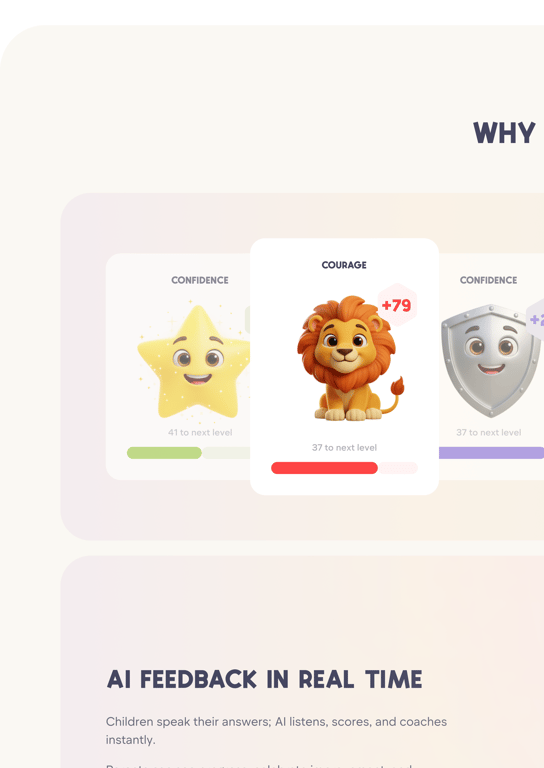
Confidence
Belief in one's abilities and willingness to express ideas.

Courage
Acting bravely and doing the right thing even when it's difficult.
Empathy
Recognising and understanding others' feelings and perspectives.

Kindness
Showing care, generosity, and thoughtfulness toward others.

Resilience
Bouncing back from setbacks, mistakes, or disappointments.

Optimism
Expecting positive outcomes and focusing on opportunities rather than barriers.

Relationship Skills
Building healthy friendships, communicating clearly, and resolving conflicts.
Social Awareness
Understanding and respecting diverse people, cultures, and viewpoints.

Integrity
Acting with honesty and fairness, even when no one is watching.

Focus
Paying attention, staying present, and completing tasks thoughtfully.

Responsibility
Taking ownership of actions, commitments, and consequences.
Belonging & Identity
Understanding one's place, culture, and values while appreciating others'.

Digital Awareness
Making safe, kind, and ethical decisions online.
Grading Framework
Scores are expressed as a scale of 0–100.
The scale intentionally leans positive and generous, motivating children to keep practising while helping adults see which skills a child handles well and which need more practice.
A++
95+
Outstanding Mastery – exceptionally deep emotional maturity and rare insight (very few achieve this)
Level 10 – Exemplary Leadership
A+
93–94.9
Exceptional – nuanced empathy, strong reasoning, and self-awareness beyond typical age peers
Level 9 – Insightful Communicator
A
90–92.9
Excellent – clear, emotionally intelligent, and thoughtful reflection
Level 8 – Confident Reflector
A-
86–89.9
Very Good – demonstrates depth of thought and developing consistency
Level 7 – Thoughtful Participant
B
81–85.9
Average / Competent – solid understanding, consistent awareness, and effort shown
Level 6 – Steady Learner
B-
76–80.9
Emerging – some insight, limited depth or consistency
Level 5 – Emerging Thinker
C+
71–75.9
Developing – beginning to notice emotions and perspectives, needs guidance
Level 4 – Early Explorer
C
66–70.9
Needs Improvement – partial understanding, starting to express empathy
Level 3 – Building Awareness
C-
55–65.9
Limited Progress – minimal reflection or emotional recognition
Level 2 – Learning Foundations
D
Below 55
Beginning / In Progress – early learning phase, encouragement and support needed
Level 1 – Foundation Stage
Level Unlocks & Progression System
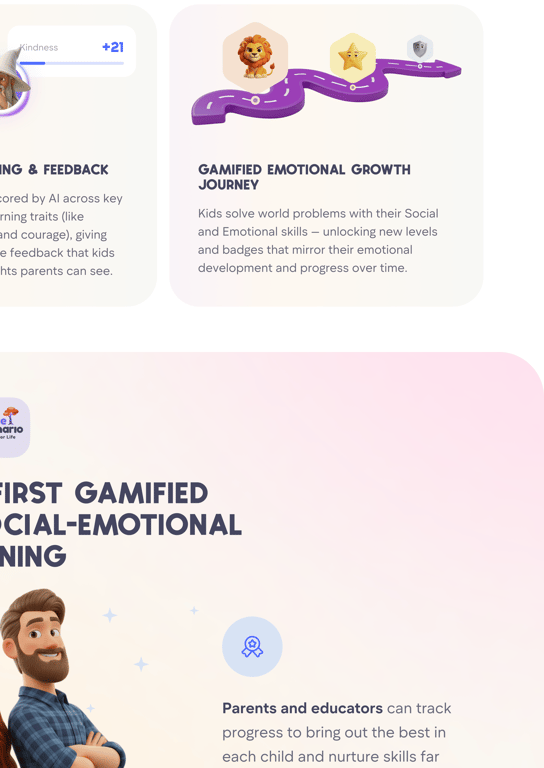
The game is a 200-level emotional mastery journey, in which players build their Social–Emotional Learning (SEL) skills one step at a time. Each level opens a new world issue, so children learn about problems facing the planet, from kindness in local communities to clean water, fairness and protecting the environment.
The levels are built to feel meaningful, rewarding and exciting to look at, and they follow each child's own progress.




Level
1-20
Points per Level
400
Total Points
8,000

Level
21–50
Points per Level
750
Total Points
30,500


Level
51–100
Points per Level
1,000
Total Points
80,500


Level
101–150
Points per Level
1,500
Total Points
155,500

Level
151–200
Points per Level
2,000
Total Points
255,500


Level
COMPLETION
Trait Tracking and Analytics
Each player gets a dynamic SEL Profile that updates itself and charts:
Score Levels
Average scores across all 15 traits, High Score/ Low Score (moving average)
Scenarios
Number of scenarios completed
Play Frequency
How many scenarios the child has played
Recorded Responses
Parents and teachers can read what the child said
Trends Over Time
Progress charts and comparative averages





















100
90
80
70
60
50
These insights appear on the Parent Zone and Educator Dashboard as simple graphs — showing practice level per trait and where the AI feedback saw strengths and things to work on.
Harmful or Concerning Responses
Life Scenario includes a safety layer that detects potentially harmful, unsafe, or distressing responses using AI-powered sentiment and keyword analysis.
When a response is flagged as concerning, the system will:
Tag
Tag the response as "Concerning"
Email the parent or educator on the account when an answer suggests self-harm or hurting someone
Support
Help that adult follow up sensitively and provide appropriate support.
Prevention
Adults can notice serious concerns and look after the child's emotional wellbeing, and the child's answers stay confidential.
The Parent and Educator Dashboards
The dashboards show every answer in detail.
Each response includes:

The scenario and transcript
Trait scores and grades

AI feedback in child-friendly language

A Parent & Educator Guide with practical support ideas
Example guidance:
1
Games:
Play a 'what would you do?' role-play at dinner.
2
Discussions:
Ask how they might feel if they were the other person.
3
Reflection:
Draw how the character might feel and talk about it.
This is there to make sure no red flag goes unnoticed, while the child's answers stay confidential.
The Adult Stays in Charge
AI feedback can miss things or get them wrong. That is why it is not a grade and is never used to label a child.
Parents and educators see the same feedback and decide what is worth talking about. If something looks off, tell us at support@lifescenario.ai.
Recommended Way to Use Life Scenario
There are many ways to use Life Scenario to help children develop their SEL (Social and Emotional Learning) skills. We've found that talking about Scenarios together, for example around the dinner table, is one of the best and most enjoyable ways to use it.
What to Avoid
Try not to encourage children to complete one Scenario after another non-stop in a single sitting. This can be mentally draining and may reduce the quality of their responses. At this age, some answers can be challenging for them to think through.
Best Practice
Use Scenarios little and often instead. Steady practice builds confidence and helps children respond much more thoughtfully to real-life situations.
Our Recommendation
Play one or two Scenarios together, then talk through the answers, for example around the dinner table.
For Classrooms
In class, Scenarios work for whole-class discussion, team activities or individual reflection. Every Scenario is different, and each child works through it in their own way.
The Bigger Picture
Life Scenario is not a grading platform. Think of it as a mirror for growth: with a little reflection every day, children see themselves more clearly and practise empathy, courage and confidence.
Parents and educators get to see "soft skills" as growth they can follow and act on, so emotional intelligence becomes part of everyday learning.
Scoring answers is only the means. The goal is to help children grow into better humans.
How to Play Life Scenario
A simple step-by-step guide for parents, teachers, and kids.
1. Create/Login to Your Account
1
Open the Life Scenario website.
2
Enter your email and password. If you are registering for the first time, fill in your personal details.
3
If you forget your password, tap Forgot Password and follow the reset steps.
For security, adults manage the main login, so kids never need an email.

2. Register a Child Profile
1
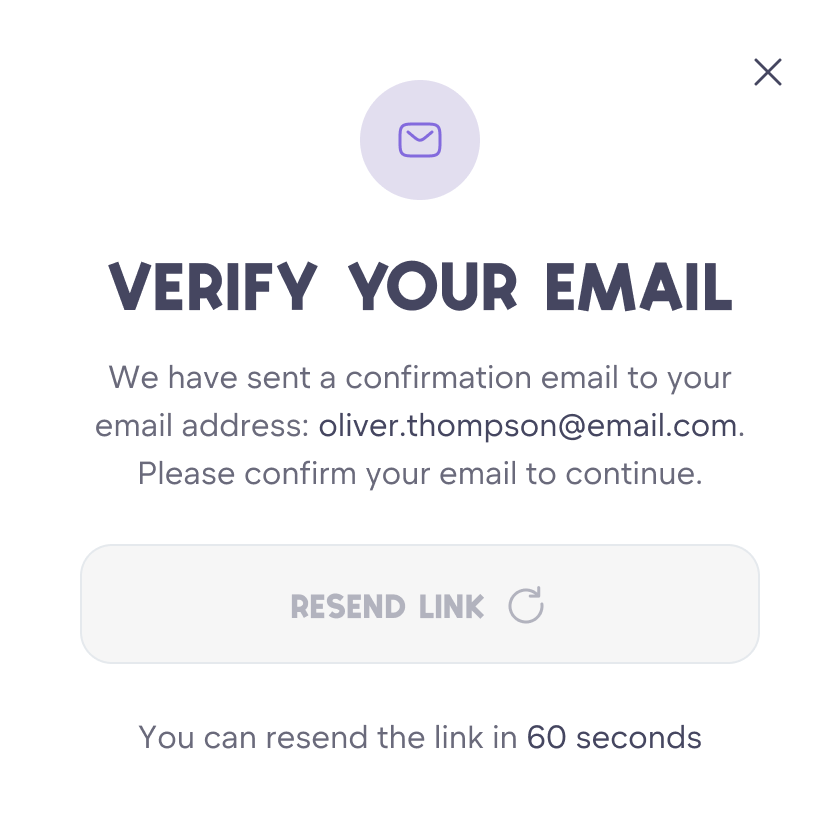
Verify your email.
2
Enter the child's name, age, and country. Set a 4-digit PIN — simple enough for the child to remember.
3
Choose an avatar (the child can personalise this anytime).
Each child gets their own progress, scoring history, and world.
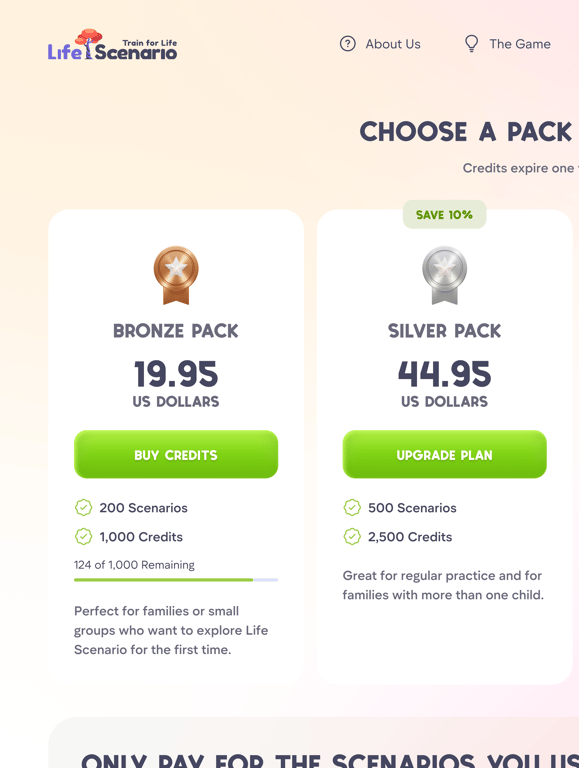
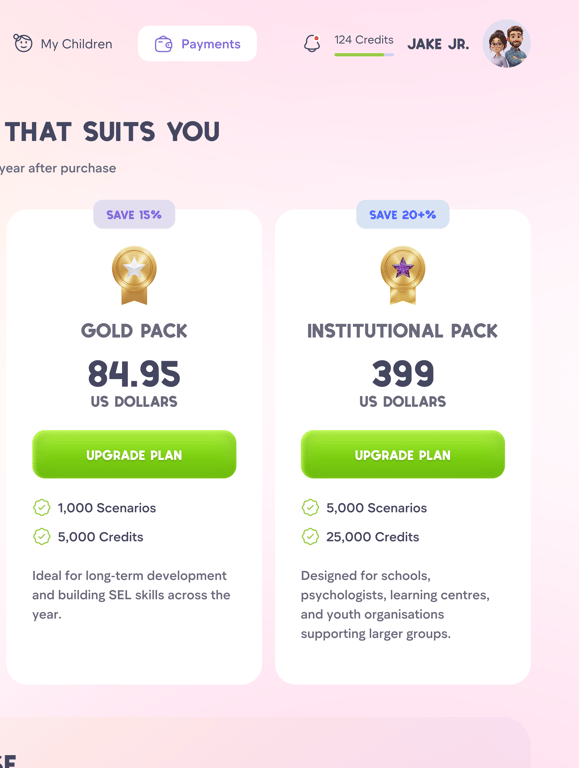
3. Top Up Credits
Go to Credits in the main menu in Educator profile to top up
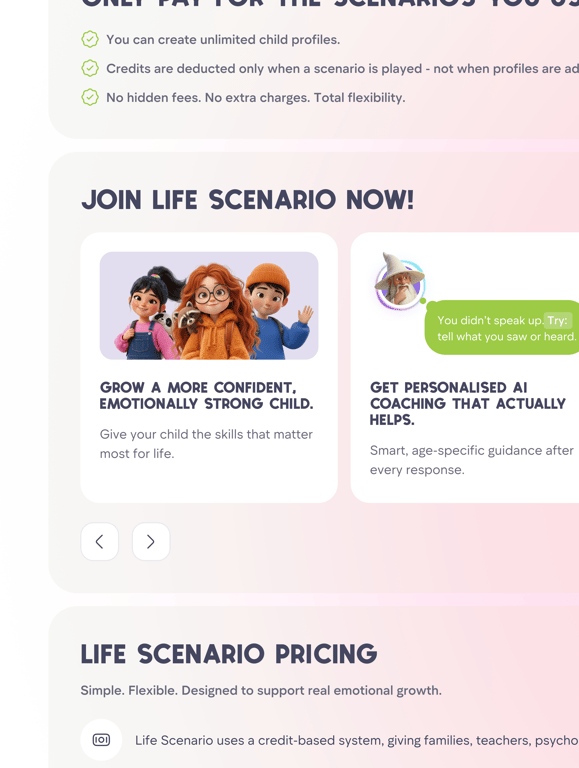
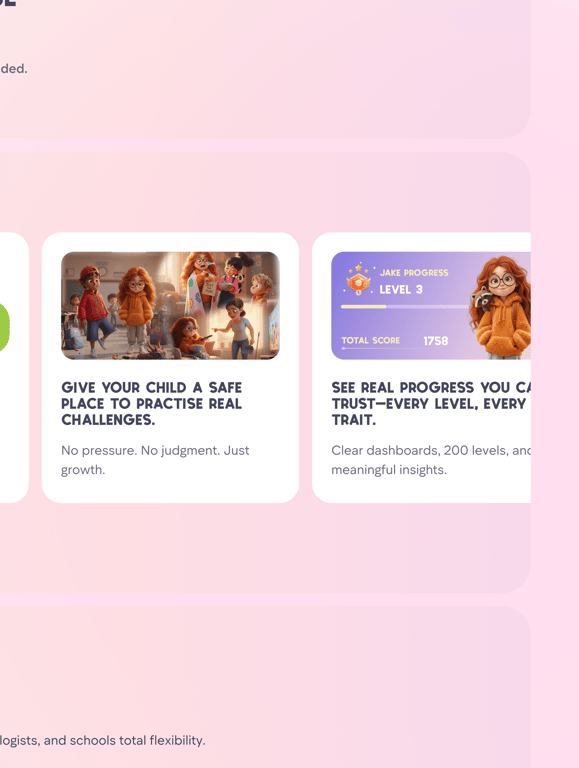
Choose a Bronze, Silver, Gold, or Institutional pack.
Once paid, the credits instantly appear in your account and can be used by any child profile you manage.
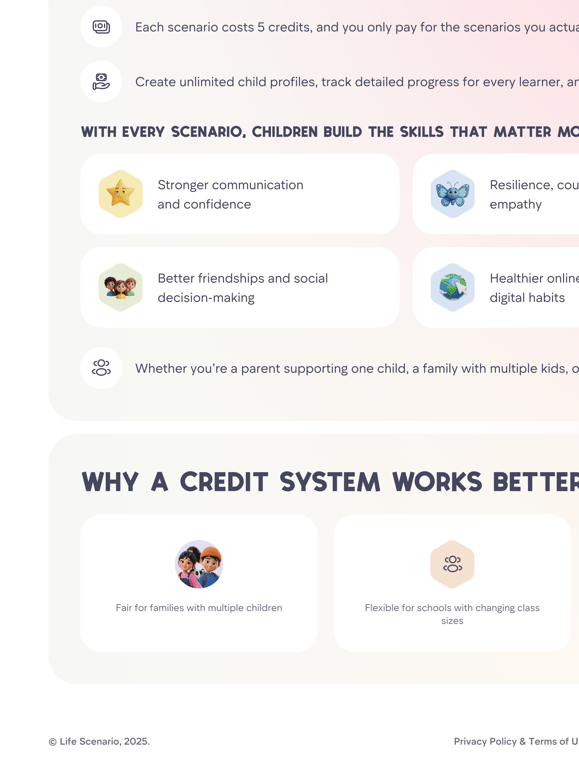
Each scenario uses 5 credits.
4. Start Playing a Scenario
1
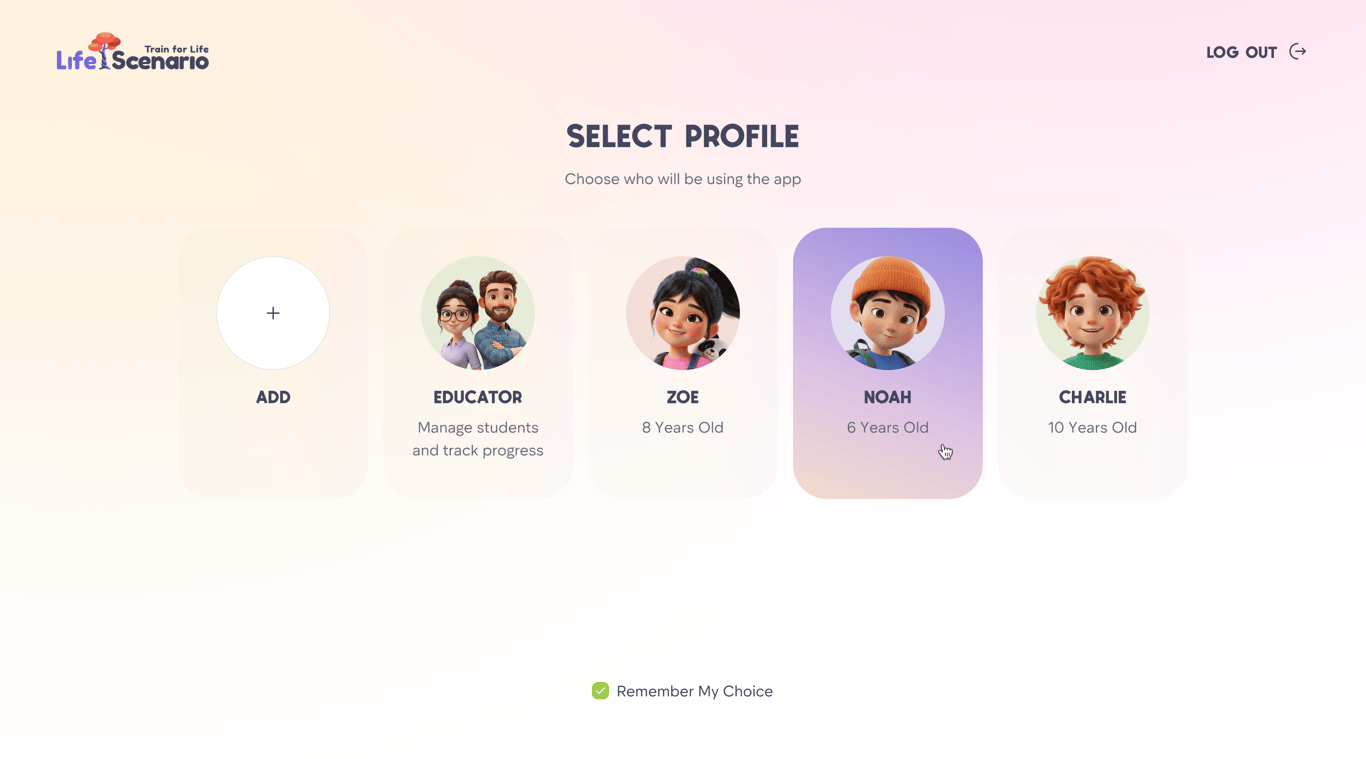
Select your child's profile.
2
Tap Continue Journey
3
A short, age-appropriate real-life scenario appears on screen.
Your child can listen or read the scenario.
Scenarios cover friendships, confidence, online behaviour, teamwork, family issues, courage, empathy, and more.
5. Respond in Your Own Words
The app converts speech into text and kids may edit it before submitting.
Tap the microphone icon to start speaking
Tap the microphone again to finish.
Submit
Press Submit Response
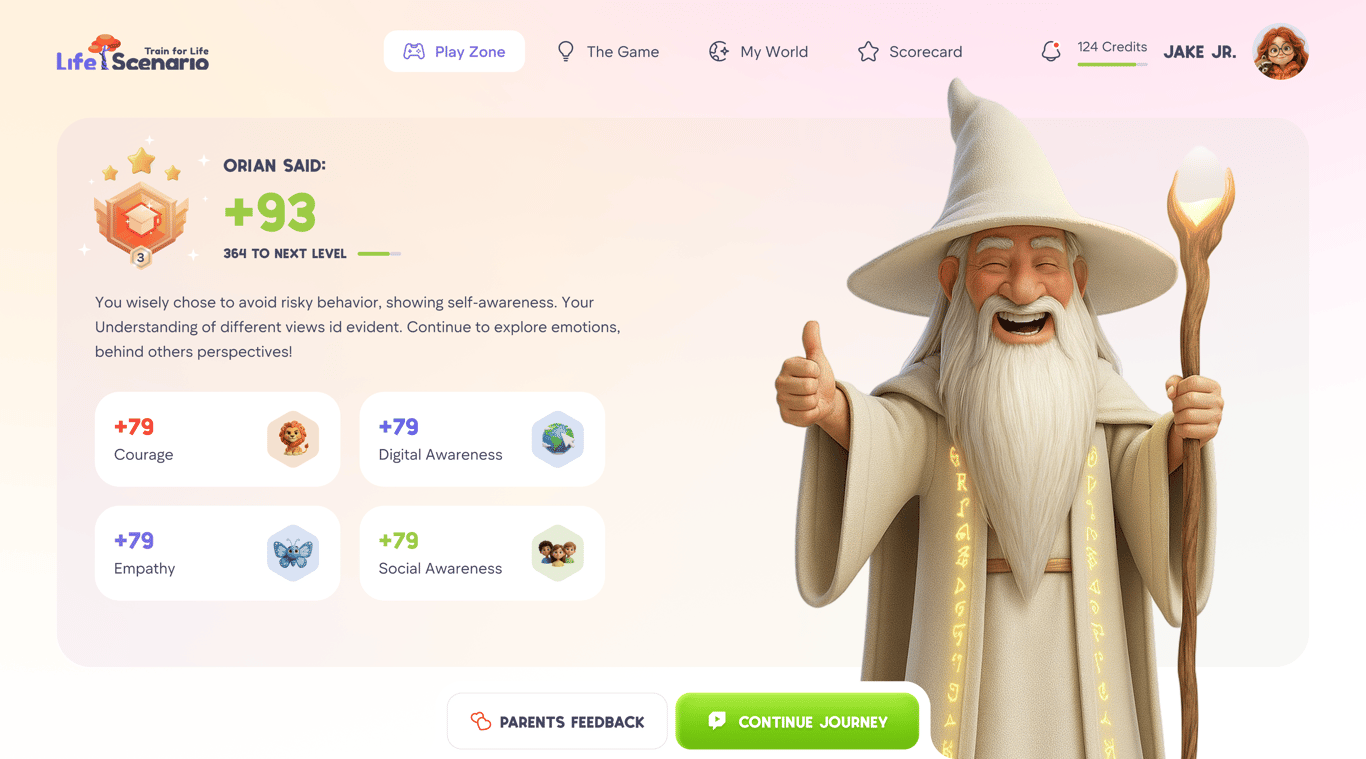
6. Get Your Score
Your child instantly receives:
1
A score out of 100
2
Trait-by-trait feedback based on SEL analysis
3
Parent guidance with practical tips
4
A Deep Dive into their answer
5
Another Way to respond
Learning Doesn’t Stop When the Scenario Ends
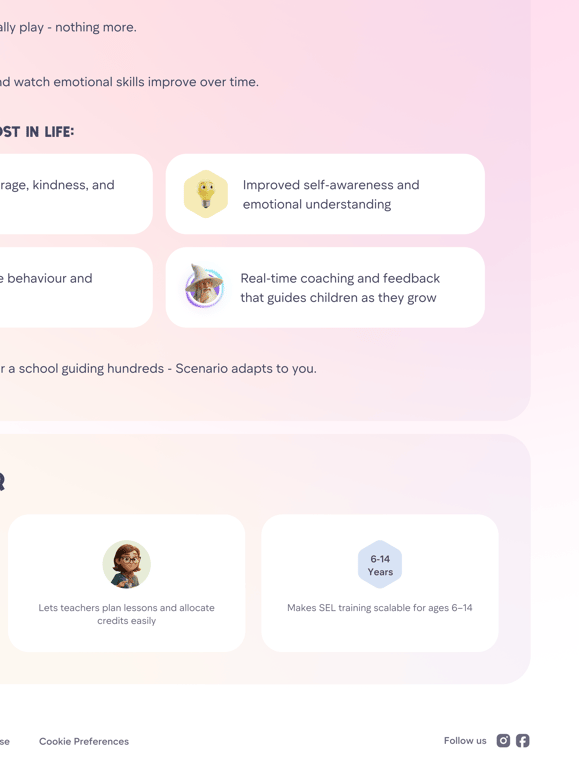
Life Scenario goes beyond simply answering questions. Every scenario creates an opportunity for children, parents and educators to learn, reflect and grow together.
Personalised Feedback
Our friendly owl helps children understand their choices, recognise what they did well and discover where they can improve.
Parent Guidance
Practical tips and conversation starters help parents support their child’s learning and development.
Deep Dive
Thought-provoking questions encourage children to explore feelings, consequences and different perspectives.
Another Way
Discover alternative responses and new ways to handle real-life situations.
My Progress
Track achievements, develop life skills and celebrate growth with every scenario.
More than a game. A place to practise life’s challenges, build confidence and learn to make better choices — together.
High scores trigger special animations:

86+
Mini celebration

90+
Full celebration
7. My World
Every strong response earns Points of Progress that:
Unlock levels
Solve world problems at each level
See how different traits make the world a better place
The stronger the child's SEL skills, the faster their world transforms.
8. See Practice Over Time
Parents and educators can view:
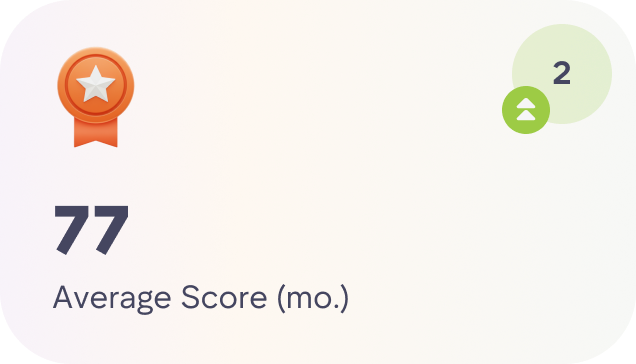
Average score
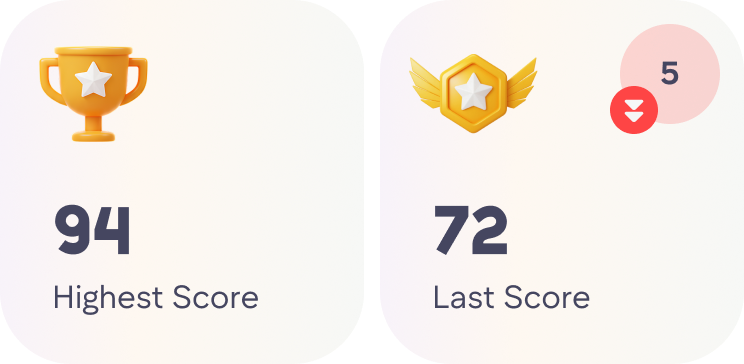
Highest & lowest scores


Strongest & weakest SEL traits
Areas of strength and areas for growth
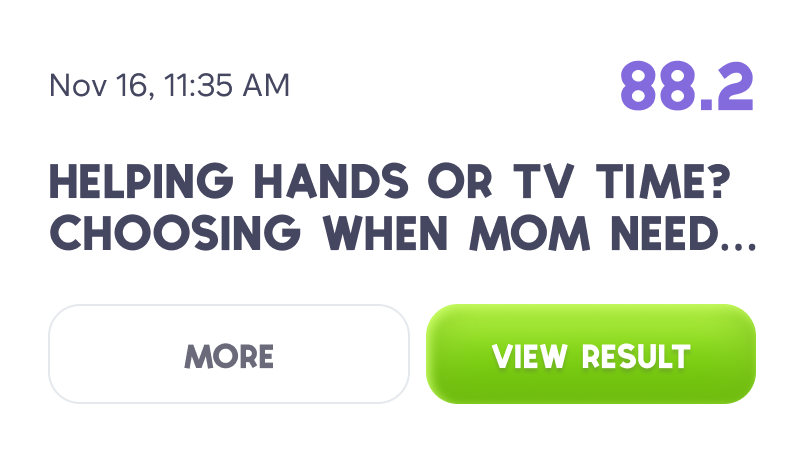
Practice charts over time
Children see a simplified version focused on encouragement and progress.
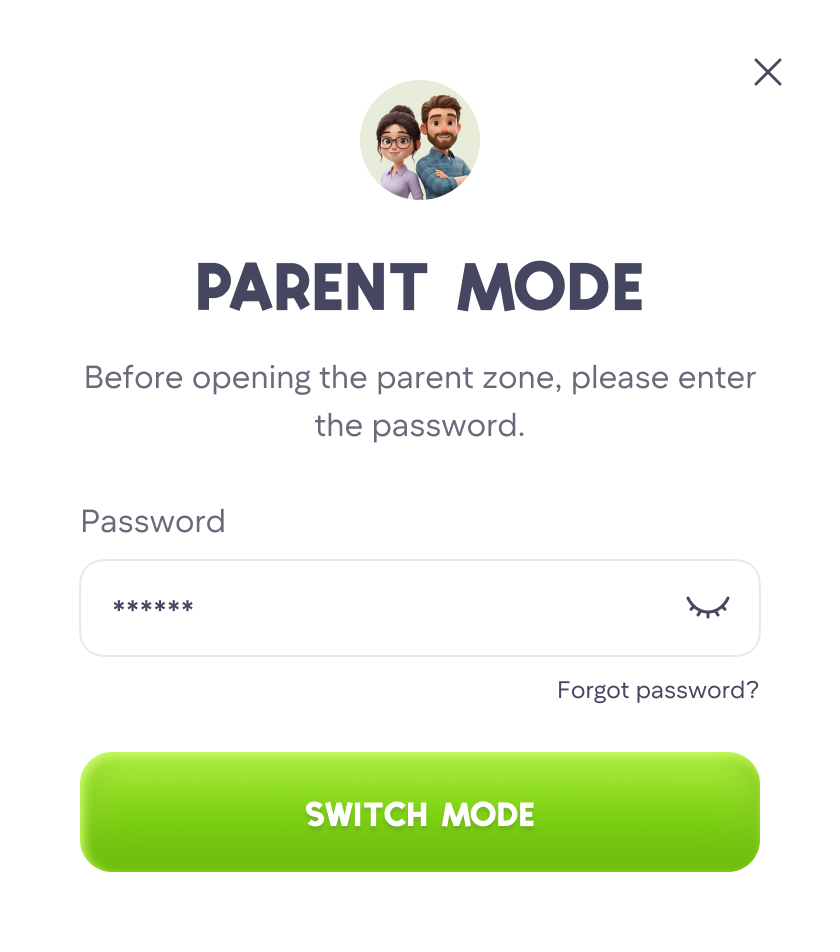
Educator Mode
In Educator Mode, teachers, counsellors and parents manage children’s accounts, follow their progress and handle payments from one secure dashboard.
Access Educator Mode
1
Log in using your Educator password to access:
2
Top-up and payment options
3
Child profile management (edit names, ages, PINs)
4
Full progress tracking for every child
Each scenario uses 5 credits.
Viewing a Child's Progress
1
Use the search bar to find a child's profile.
2
Click the green arrow to open their detailed dashboard.
3
Review their overall scores and trait-by-trait breakdown.
4
Check their scenario history, feedback and progress over time.
Each scenario uses 5 credits.
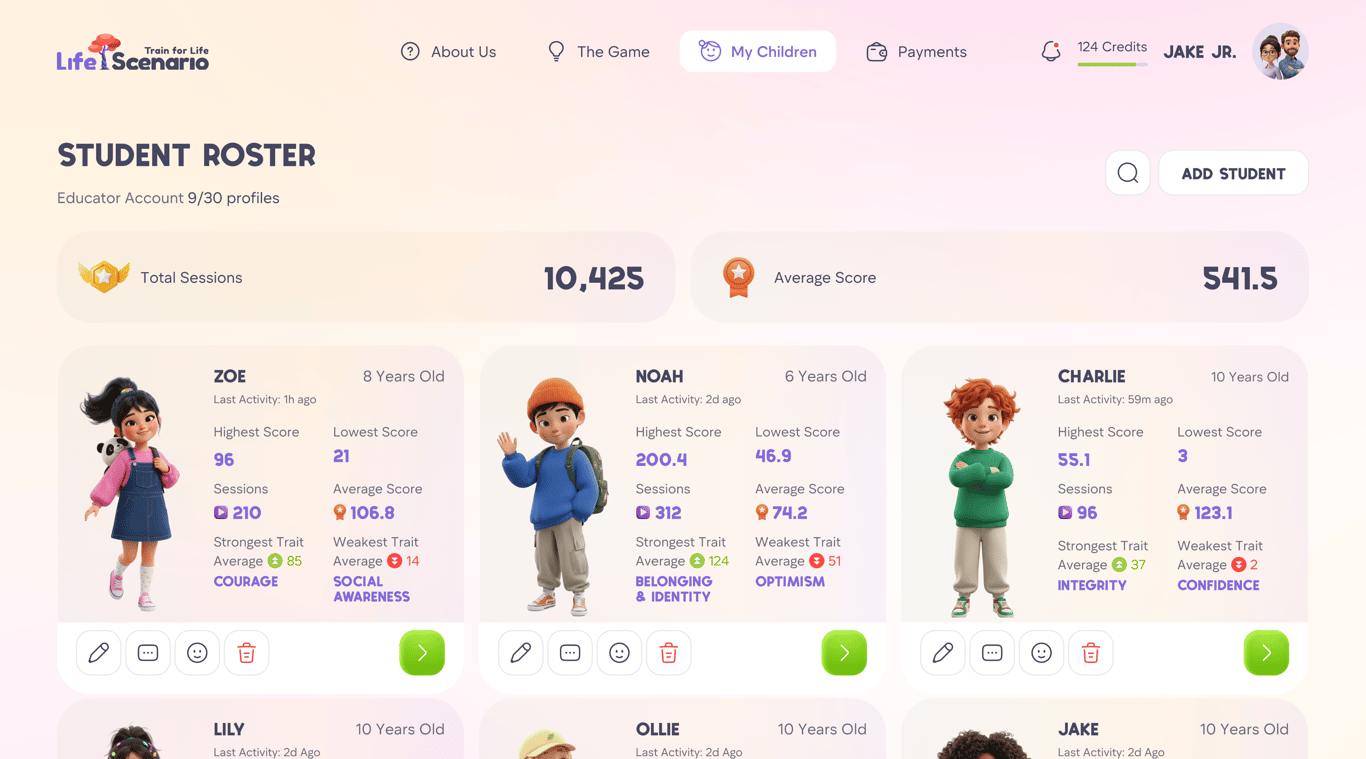
Inside the profile you can view:
Educators can see at a glance how each child is developing emotionally over time.
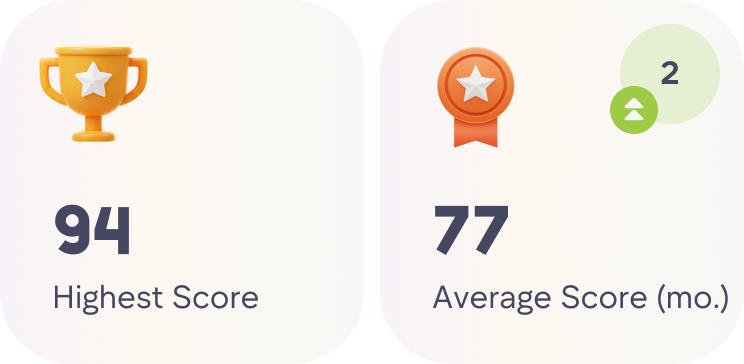
Overall scores
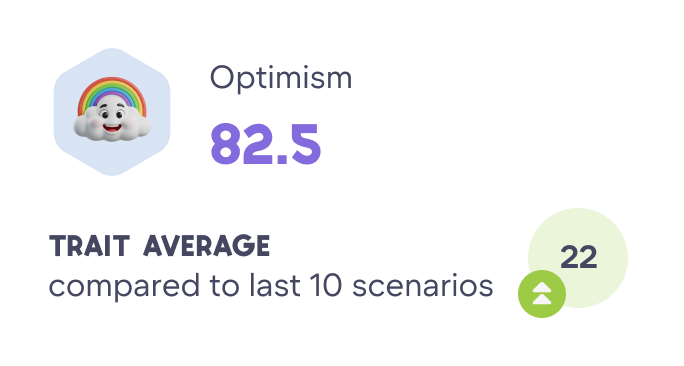
Trait-by-trait breakdown
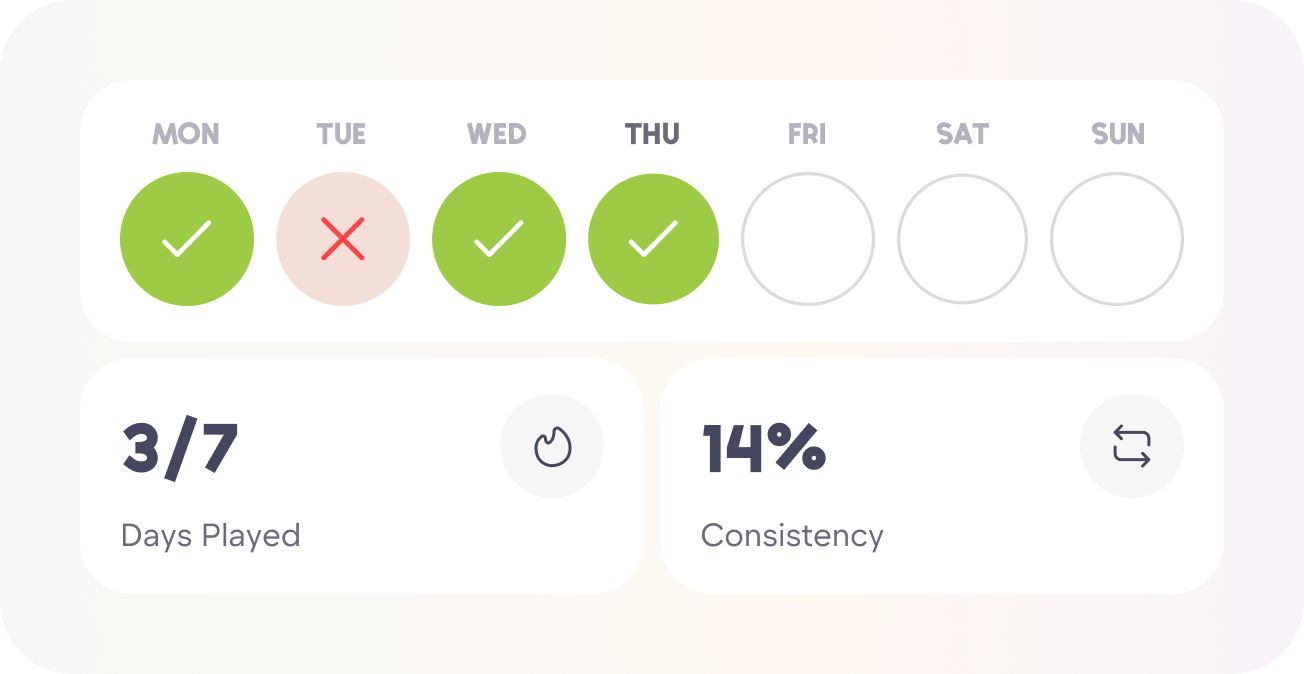
Historical performance charts
Scenario history and feedback
Areas of strength and areas for growth
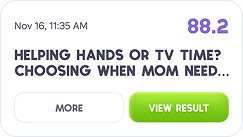
Latest scenario results
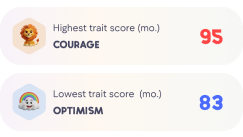
Highest and lowest trait scores