
“Someone in the game asked where I live”: what your child should reply, and what to do next
By the Life Scenario team · Published · For parents of children 6–14
What should my child say if someone in a game asks where they live?
Your child replies “I don’t share that” or “Sorry, I don’t give out information like that,” and stops replying. Then four steps: leave the game, block the player, report them, and tell you. They aren’t in trouble; the person who asked broke the rule.
Key takeaways
- Nobody in a game needs your child’s address, town, school, full name or photos, however friendly they seem.
- The reply is short: “I don’t share that.” No reasons, no arguing, no made-up answers.
- Then four steps, in order: leave, block, report, tell a parent.
- Say now, before anything happens, that telling you will never cost them the game. Children who fear losing the game hide problems.
- Requests for photos, secrecy, moving to another app or meeting up are more serious: keep the messages and report them to the platform and to national help.
Why “don’t chat with strangers” isn’t enough in games
Offline, children have a rough idea of what a stranger is. In a game, everyone is an avatar with a username, and the person asking may have played alongside your child for a week, sent a gift, or helped them through a hard level. By the time the question comes (“What city are you in?”, “Which school do you go to?”) they no longer feel like a stranger.
Children also don’t want to seem rude. A friendly player asks a normal-sounding question and answering feels polite. That is why a ready-made line matters: it lets your child refuse without having to decide, in the moment, whether this particular person is safe.
Keep the risk in proportion. Many people who ask are other children being nosy. But a username tells you nothing about age, and Raising Children Network notes that gaming online with people a child doesn’t know can bring them into contact with adults posing as children. The rule doesn’t need to be frightening. It is simply that personal information stays private, whoever asks.
4 things your child can say when someone in a game asks where they live
1.“I don’t share that.”
The default reply. Four words and no reason given. Explaining (“my mum won’t let me”) invites bargaining such as “she won’t know”; a flat no gives nothing to push against.
2.“Sorry, I don’t give out information like that.”
A politer version for children who find a flat no too rude. Raising Children Network suggests a line very like this one. After saying it, your child stops replying to that player.
3.“Let’s just play the game.”
For a player your child knows from the game and wants to keep playing with. It moves the chat back to the game. If the person asks again, it is time to leave and follow the steps below.
4.“Gotta go.”
The exit. Your child owes nobody an explanation before leaving a server. Leaving first, then blocking and reporting, is always allowed, even if it feels rude.
6 lines for when a game chat gets uncomfortable
1.“I don’t send pictures.”
For any request for a photo or a video, of any kind, from anyone met in a game. Then leave, block, report and tell a parent.
2.“I don’t switch to other apps.”
For “add me on…” or “let’s chat somewhere else”. Moving a child to a more private app is a common step before things go wrong.
3.“I don’t keep secrets from my parents.”
For “don’t tell anyone” or “this is just between us”. Asking a child for secrecy is a clear sign to stop and tell an adult.
4.“I don’t do video calls.”
For invitations to camera or live calls from people your child only knows from the game.
5.“No thanks, I don’t want gifts.”
For offers of in-game currency or items from someone your child doesn’t know in real life, especially if a favour is expected later.
6.“Stop messaging me.”
The firmest line, for someone who keeps going after a no. Your child says it once, then blocks and reports without waiting for a reply.
What should my child do after replying?
Leave. Your child exits the game or server. There is no need to wait, explain or say goodbye.
Block and report. Roblox, like most online games, has tools to block another user and to report behaviour that breaks its rules; the Roblox help pages linked from eSafety’s guide show the current steps. Reporting is how the platform finds out who is asking children for personal information.
Tell a parent. This step matters most, because you can check what was said, keep screenshots, and change settings. Roblox has account types by age, with different chat rules and parental controls, and a parent can link their own account. Game consoles also let you control who your child plays with and whether they can chat.
What not to say (and what to say instead)
“Don’t talk to strangers online.”
“Nobody in a game gets your address, school or photos, even if they’re nice.”
Online strangers stop feeling like strangers after a few games; a rule about information works whoever asks.
“If that happens, I’m taking the game away.”
“If anything weird happens, tell me. You won’t lose the game for telling.”
Children who fear losing the game hide problems, and you can’t help with what you don’t know about.
“Why on earth did you answer them?”
“Thank you for telling me. Let’s block and report together.”
Blame after telling teaches a child not to tell next time.
Your child: “I can’t say, my mum won’t let me.”
Your child: “I don’t share that.”
Giving a reason invites bargaining; a plain no ends the conversation.
“Just ignore them.”
“Leave, block, report, then come and tell me.”
Ignoring leaves the person able to message again, and you never hear about it.
| Instead of | Try | Why |
|---|---|---|
| “Don’t talk to strangers online.” | “Nobody in a game gets your address, school or photos, even if they’re nice.” | Online strangers stop feeling like strangers after a few games; a rule about information works whoever asks. |
| “If that happens, I’m taking the game away.” | “If anything weird happens, tell me. You won’t lose the game for telling.” | Children who fear losing the game hide problems, and you can’t help with what you don’t know about. |
| “Why on earth did you answer them?” | “Thank you for telling me. Let’s block and report together.” | Blame after telling teaches a child not to tell next time. |
| Your child: “I can’t say, my mum won’t let me.” | Your child: “I don’t share that.” | Giving a reason invites bargaining; a plain no ends the conversation. |
| “Just ignore them.” | “Leave, block, report, then come and tell me.” | Ignoring leaves the person able to message again, and you never hear about it. |
What do I say to my child after a stranger asked where they live?
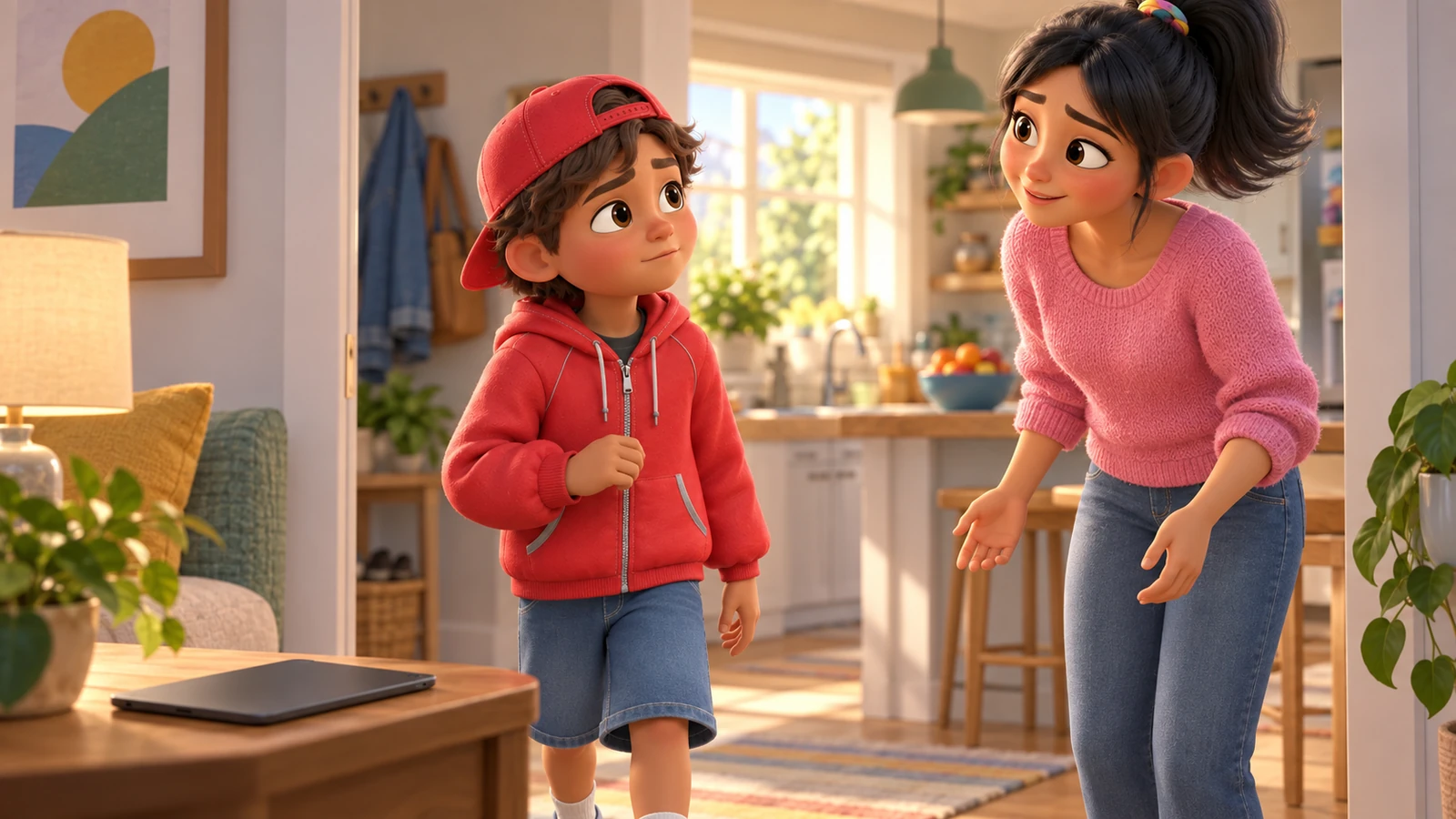
Stay calm, whatever you feel. Your first line: “Thank you for telling me. You did exactly the right thing.” Then ask what happened: what the person asked, what your child answered, and whether they also asked for pictures, secrecy, or to move to another app.
If your child already gave something away, such as a town or a school name, don’t punish them. Block and report the account together, check the privacy and chat settings, and tell your child that coming to you was the most important step. Keep screenshots in case you need to report further.
Then practise the reply once. You play the friendly player: “Cool, what school do you go to?” Your child answers “I don’t share that” and says what they would do next. It takes one minute and makes the next time much easier.
What if it’s more serious than a nosy question?
What if they asked for photos, secrecy or a meeting?
That goes beyond a nosy question. Keep the messages or screenshots, block and report in the game, and report to national help: the NCMEC CyberTipline in the US, CEOP in the UK, or the eSafety Commissioner in Australia. If you think a child is in immediate danger, call the police.
What if the person says they know my child from school?
They might, or they might not. Your child can check in person: “Did you message me in Roblox?” Until then, the same rule applies, and your child does not share anything or move to a private chat.
What if my child keeps playing with this person in secret?
Avoid a ban as the first move, because it pushes things further out of sight. Sit with your child, look at the chat together, explain which messages worried you and why, and change the settings together so only people they know can contact them.
What if my child is scared or upset afterwards?
Reassure them they are safe and not in trouble. If worry lasts more than a few days, affects sleep or school, or the contact went beyond messages, talk to the school counsellor or your doctor. Children can also contact Childhelp (US), Childline (UK), Kids Helpline (Australia) or Kids Help Phone (Canada), and should always tell a trusted adult.
What to say at 6–8, 9–11 and 12–14
- 6–8
- Keep chat off or limited to people you know in real life, and play near your child. One rule and one line are enough: where we live is private. Practise it as a game at the kitchen table.
- “I don’t tell people where I live.”
- 9–11
- Children this age often want to play with new people and seem grown-up. Teach the full sequence: reply, leave, block, report, tell. Raising Children Network suggests keeping online play to people you and your child know until around 12.
- “I don’t share that. Gotta go.”
- 12–14
- More independence, private messages and other apps. Discuss the pattern rather than one rule: compliments, gifts, “you’re so mature”, moving to another app, secrecy. Agree that telling you never costs them the game.
- “Nah, I don’t switch apps.”
| Age | What changes | Line to try |
|---|---|---|
| 6–8 | Keep chat off or limited to people you know in real life, and play near your child. One rule and one line are enough: where we live is private. Practise it as a game at the kitchen table. | “I don’t tell people where I live.” |
| 9–11 | Children this age often want to play with new people and seem grown-up. Teach the full sequence: reply, leave, block, report, tell. Raising Children Network suggests keeping online play to people you and your child know until around 12. | “I don’t share that. Gotta go.” |
| 12–14 | More independence, private messages and other apps. Discuss the pattern rather than one rule: compliments, gifts, “you’re so mature”, moving to another app, secrecy. Agree that telling you never costs them the game. | “Nah, I don’t switch apps.” |
Key terms
- Personal information
- Anything that helps someone find your child offline: address, town, school, full name, photos, phone number, or where they’ll be and when.
- Block
- A setting that stops a specific user from contacting your child or joining their games.
- Report
- Telling the platform about behaviour that breaks its rules, so moderators can act on the account.
- Grooming
- When someone builds a child’s trust online in order to exploit them. Warning signs include gifts, flattery, requests for secrecy and moving to private apps.
Questions parents ask
What should my child say if a stranger online asks where they live?
A short refusal with no reason: “I don’t share that.” Then leave the game, block and report the player, and tell a parent. Explaining or arguing only invites more questions.
Is it safe for my child to play Roblox with strangers?
For younger children it is safer to limit online play to people you and they know in real life; Raising Children Network suggests this until around 12. Older children can play more widely if they know the rules on personal information and will tell you when something feels off.
How do I report someone on Roblox?
Roblox has built-in tools to report and block other users. The steps change from time to time, so use Roblox’s own help pages, which the eSafety Commissioner’s guide links to. Keep screenshots before blocking in case you need to report further.
What do I say if my child already told someone where they live?
Thank them for telling you and don’t punish them. Block and report the account together, check privacy settings, and keep screenshots. If the person also asked for photos, secrecy or a meeting, report to national help as well.
Should I take the game away?
Usually not as a first response. Children who expect to lose the game stop telling you things. Change the settings together and agree the rules instead.
Who do I contact if someone online is targeting my child?
Report to the platform, and to national help: the NCMEC CyberTipline in the US, CEOP in the UK, or the eSafety Commissioner in Australia. If a child is in immediate danger, call the police.
Related
Sources
- Raising Children Network (Australia) — Healthy video gaming for children & teens (2026): Suggests limiting online play to games where the other players are people you and your child know until around age 12, notes that gaming with unknown people can bring children into contact with adults posing as children, and offers a line a child can use when asked for personal information: “Sorry, I don’t give out information like that.”
- eSafety Commissioner (Australia) — Roblox: The eSafety Guide (2026): Describes Roblox’s text and voice chat and connection requests, its age-based account types with different chat rules and parental controls, and links to Roblox’s own instructions for reporting inappropriate behaviour and blocking another user.
- National Center for Missing & Exploited Children (US) — CyberTipline (2026): The US reporting service for child sexual exploitation, open to anyone who believes they or someone they know is a victim.
- CEOP, National Crime Agency (UK) — CEOP Safety Centre (2026): Invites anyone worried about online sexual abuse, or about the way someone has been communicating with a child online, to report it to CEOP.